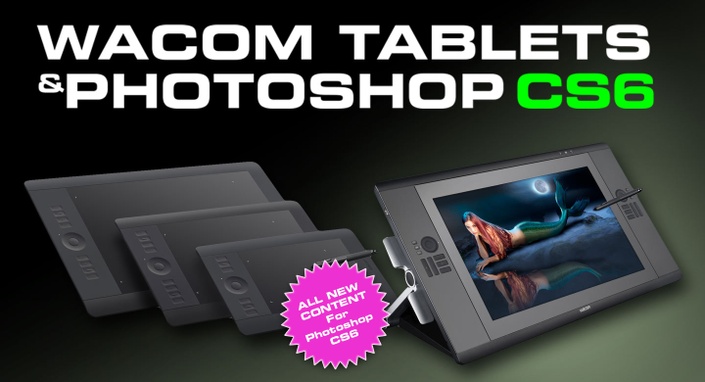
Photoshop Secrets/Wacom Tablets and Photoshop CS6
NEW for Photoshop CS6 A “must have” for tablet users. >>CC Version Here<< This is the 6th edition of THE best-selling video on Wacom tablets and Photoshop. The most complete training on the Wacom Tablet and Adobe Photoshop ever! This fully updated video will show you how to unleash the power and creativity that only comes from a pressure-sensitive tablet. Set up your tablet correctly and stop working like a mouse user in Photoshop. Two of the Top instructors in the industry combine their talents to bring you a video that will totally change the way you approach graphics on your computer. If you currently own, or are considering a pen tablet or Cintiq™, this video is one of the best investments you can make. Stop mousing around and finally take control of your Wacom Tablet and Photoshop CS6.

Your Instructor
Weston Maggio
Weston Maggio, Wacom Technology: As an Adobe certified expert in Photoshop and a Senior Solutions Manager for Wacom Technology, Wes is an authority on Wacom tablets and Photoshop instruction. A passionate trainer and speaker, he has presented at events such as Photoshop World, Siggraph, the HOW Conference and various workshops around the world.
Course Curriculum
Frequently Asked Questions
The course starts now and never ends! It is a completely self-paced online course - you decide when you start and when you finish.
How does lifetime access sound? After enrolling, you have unlimited access to this course for as long as you like - across any and all devices you own.
We would never want you to be unhappy! If you are unsatisfied with your purchase, contact us in the first 30 days and we will give you a full refund.
Get started now!