PHOTOSHOP LAYERS AND MASKS, THE KEY TO CREATIVITY.
Layers are the control center for almost everything you do in Photoshop. Layer features can appear complex and confusing. In these practical and fun lessons, you will realize that Layers and Masks don’t have to be difficult.
Rather than merely listing off features, we present real-world projects where we will put all these features to use. As you work your way through the inspiring projects, you’ll learn all the features, but more importantly, you’ll learn where and how to use these techniques as well as why.
If you are new to Photoshop, the first few lessons will explain the basics, so you don’t get lost when we dive into the projects. If you already know these basics, jump right into the projects.
By the end of this training, you will be very comfortable working with layer, layer masks, blending modes, adjustment layers, smart objects, clipping groups and a whole lot more. You will also learn how to combine images and blend them together seamlessly. If you have ever wanted to create collages, web graphics, magazine art, brochures, posters, NFTs, or just cool art for fun, this is the place.
What sets this training apart, is the almost 30 years of Real-World experience your instructor, (Colin Smith) has from working as a commercial Photoshop artist/Designer. You have probably seen his work in magazines, ads, billboards, websites and more. Colin is the real deal, but he also loves to teach, and paces the content in a way that you can follow along and understand. These is no gibberish jargon here, just practical, conversational instruction.
This course will help you to understand how to approach creative tasks in Photoshop with confidence. You will be happy with the results. You’ll learn how to get the highest quality results in a fraction of the time.
All the images used are included, so you can follow along step-by-step.
WHAT YOU WILL LEARN
Layer Basics:
How layers work
Layer Mask basics
Learn the basics of how layer masks work
Layer Mask basics 2
Deeper into layer masks and controlling mask transparency
Smart Objects
Why you should use Layer Masks
Blending modes
Understand the different Blending Mode groups
Hide white or black
Hide paper without selections
Clipping Groups
Constrain anything to the transparency of another layer
Photo collage
PROJECT. Break a photo into pieces in this creative project

Blend if
How to hide backgrounds without selections. Cutout without cutting out
Straighten circle
Prepare an image for a brush or pattern
Seamless patterns
High Tech backgrounds and more

Grungy distressed brushes and type
Get that distressed effect on anything with these custom brushes you will create

Photo edges
Add high energy edges on your images
Frames
How to put a face in a circle and more
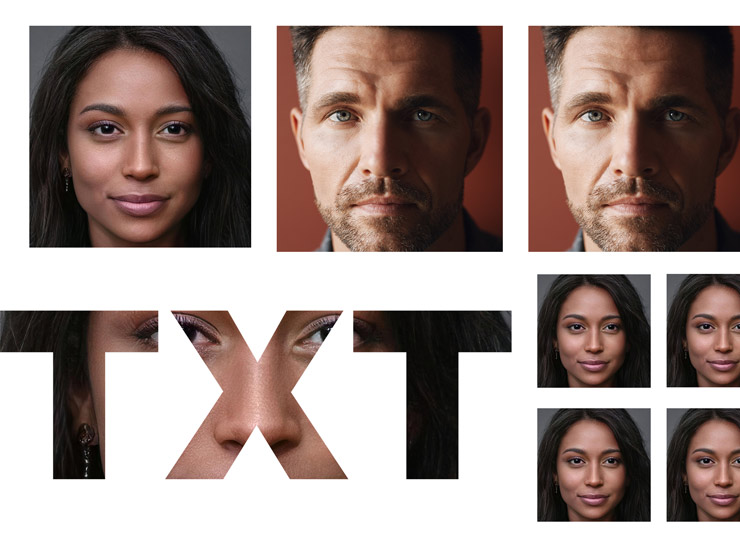
Roll your own textures
Make highly useful, reusable overlays
Reusable signature watermark
Add a signature or watermark to your art or Photos
Colorize black and white
Turning black and white line art into color
Working with hand drawn art
How to clean up scanned art
Polaroid effect
PROJECT. Make a photo look like a Polaroid print

Create a collage
PROJECT. Put what you have learned together, to make a multi Layered Collage

Double exposure Effect
PROJECT. Put what you have learned together, to make a cool Double exposure effect
Bonus Layer Masks
Simple Layer Mask Basics in a simple project, to recap the basics, if you need it.
All instructors images included so you can follow along.
PDF Table of Contents and Blend Mode notes included
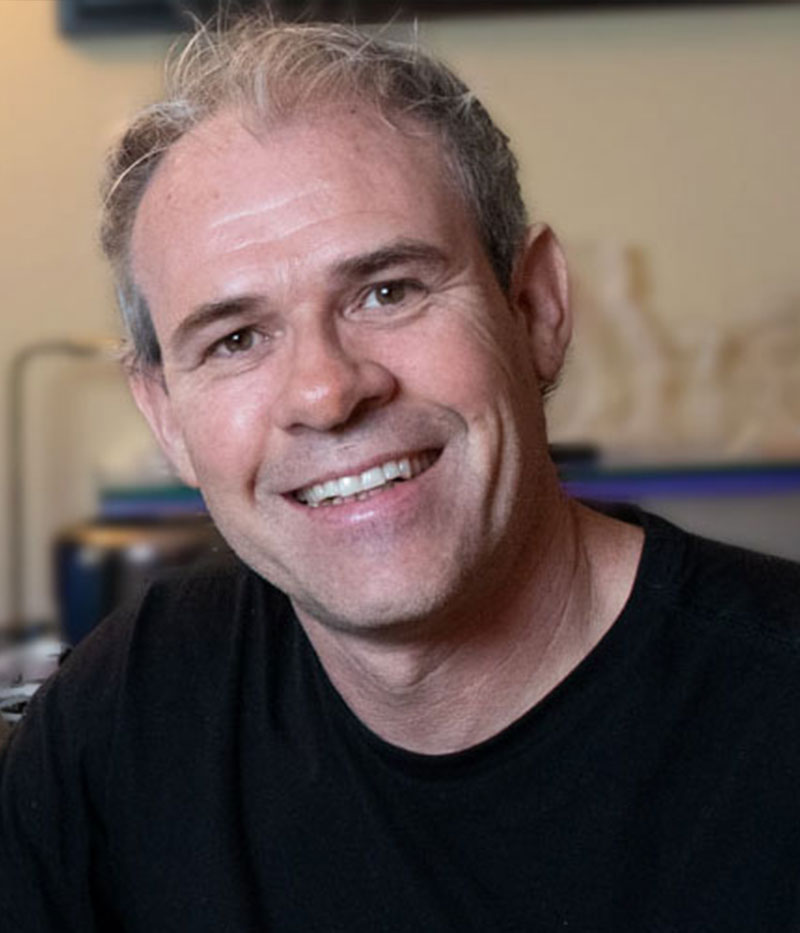
Your Instructor
Colin Smith
Colin Smith is a Los Angeles based digital artist, photographer and trainer. He is founder of one of the worlds most popular websites for creators, PhotoshopCAFE.com. Which has received over 40 million visitors. As an Award winning digital artist, Colin has 3 guru awards under his belt. His work has been featured in most of the industry magazines as well as Time Magazine and the New York Times. His client list includes, Toyo Tires, Microsoft, Saatchi and Saatchi and Rock and Roll Hall of Famer, David Lee Roth.
As a leading trainer, Colin has written 20 books, and too many video courses to count. His training clients include Adobe, Apple and Edison International. He is a regular speaker at major conferences, including Adobe Max, PPE, WPPI, Photoshop World, Creative Pro and Imaging USA. He runs a popular youtube channel (photoshopCAFE) with over 200,000 subscribers.
Course Curriculum
Frequently Asked Questions
The course starts now and never ends! It is a completely self-paced online course - you decide when you start and when you finish.
How does lifetime access sound? After enrolling, you have unlimited access to this course for as long as you like - across any and all devices you own.
We would never want you to be unhappy! If you are unsatisfied with your purchase, contact us in the first 30 days and we will give you a full refund.
Get started now!